
Get started is a short checklist in the Help panel. MX checks your company’s current setup each time you open Get started, so finished steps are ticked the next time you look.
Open the checklist
-
Select the Help button, the question mark at the start of the icons on the right of the top bar. A dot on it means something in Help is waiting for you.
-
Choose Get started at the top of the topic list.
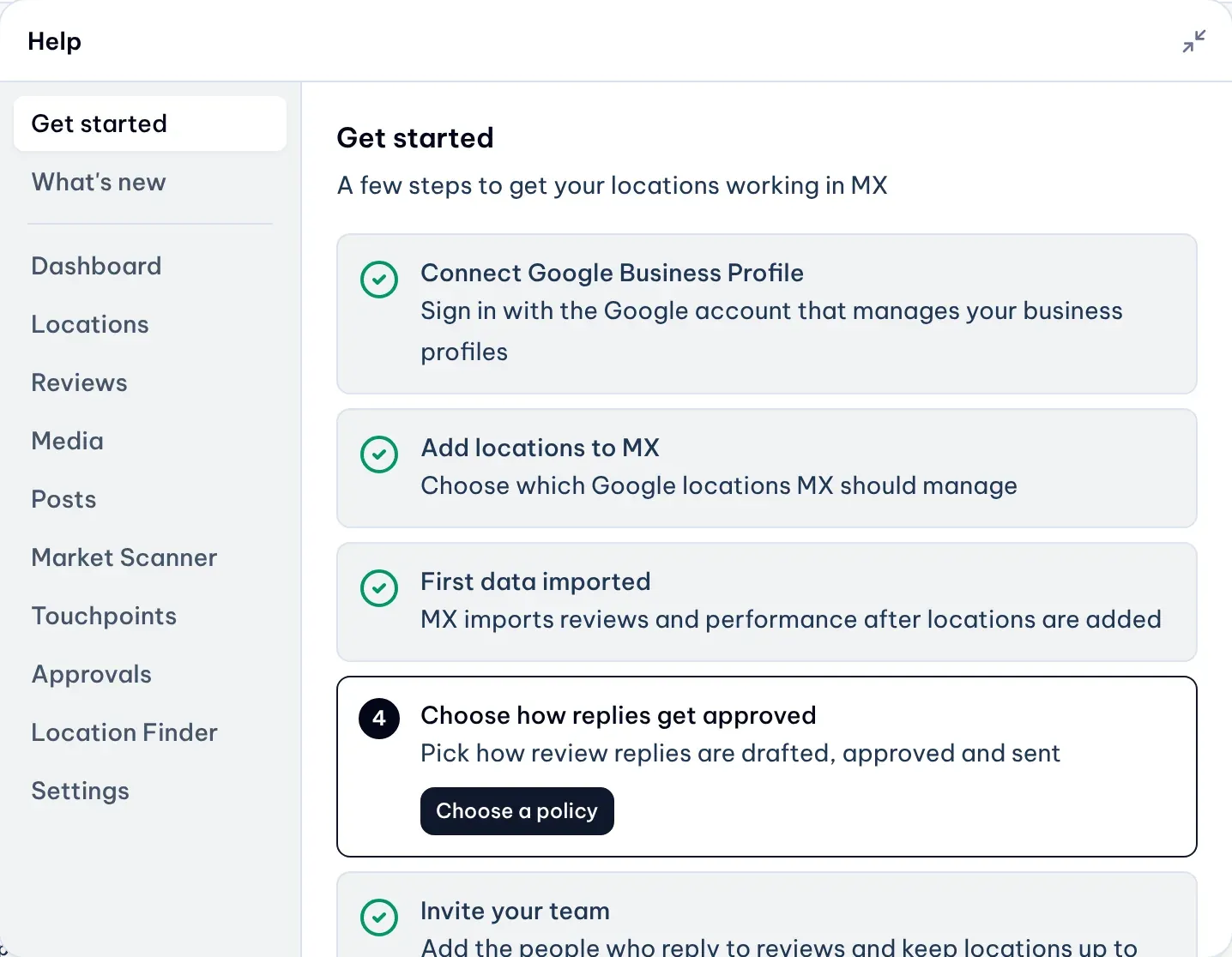
1: Get startedIllustrative data
What each step needs
- Connect Google Business Profile. Done when your company has a working connection. If the connection needs attention, this step asks you to reconnect.
- Add locations to MX. Done when you can see at least one active location.
- First data imported. Done when MX has imported the first data for your locations. Nobody needs to act on this step; it ticks itself.
- Choose how replies get approved. Done when an approval setting is applied in Automations.
- Invite your team. Done when the company has more than one active member.
Some steps appear only on plans that include them.
Optional next steps
Under the checklist, Get more from MX lists next steps for your plan and role: Plan posts with Content Plan, Turn on automatic reply drafts, Ask for reviews with QR codes and Group your locations. They are suggestions, so they never keep the checklist open.
When everything is done
Get started shows “You’re set up” and stays in Help.