
Settings → Company holds your company’s details and the settings that apply to everyone in it. Only Owners and Admins can open it; other roles land on Settings → Integrations.
Find your company details
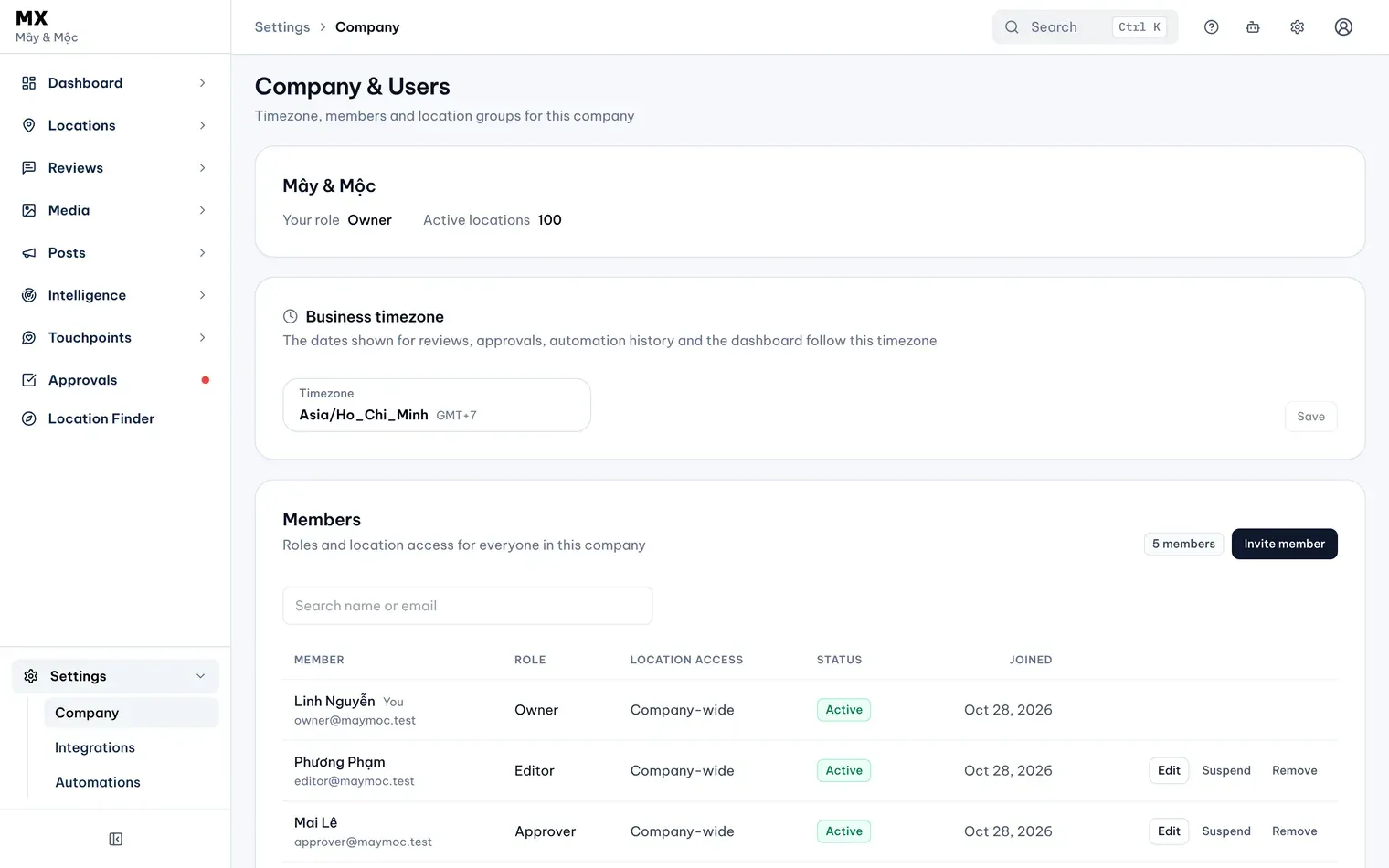
Open Settings → Company. The first card shows the company name, your role and how many active locations the company has in MX.
Set the business timezone
The dates MX shows for reviews, approvals, automation history and the Dashboard follow this timezone. Content Plan uses it for scheduled times too.
-
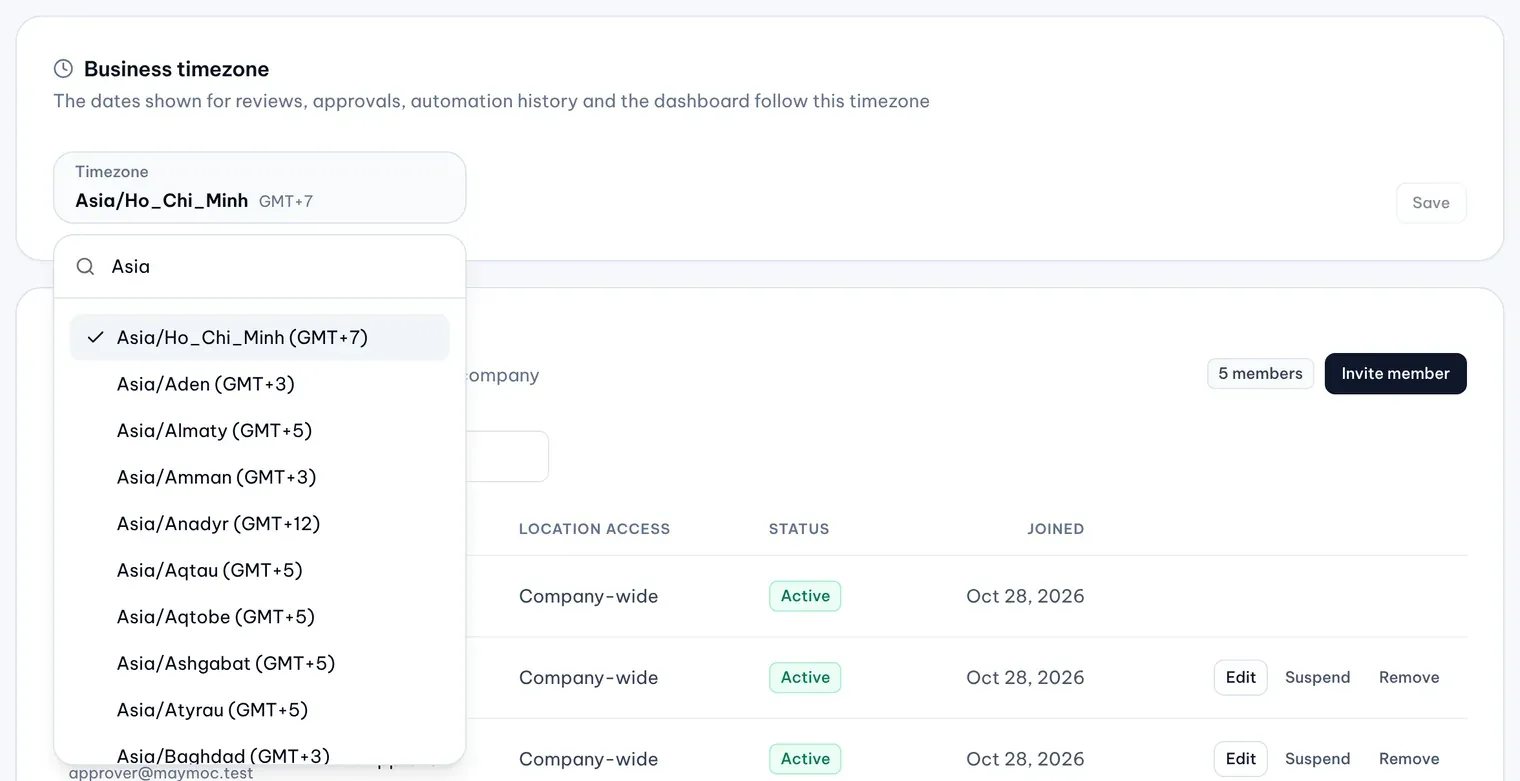
In the Business timezone card, select the Timezone field.
-
Type part of a name, such as a city or region, in Search timezones, then pick the timezone. If yours is not listed, type its full name, such as Asia/Ho_Chi_Minh, and pick it under Not in the list, but valid.
Illustrative data -
Select Save. The card shows Saved.
See what else the Company page holds
- Members: who is in the company, their role and which locations they can see. The next article explains how to invite members and change their roles.
- Location groups: the company groups everyone can filter by. The Locations and groups topic explains how to create and edit them.
- Media storage: how much storage Brand Assets and the Media library use, out of your total.
- Brand kit: the tone, audience, offers and words that AI Content Plan posts follow (Pro and Business).
You can’t change the company name on this page.