
You can decide review reply and location update batches straight from the Approvals list, one at a time or several together. Approving is the go-ahead: an approved reply or location change is sent to Google with no further step.
Posts and Bulk Update requests are decided on their own page instead: open them with View detail.
Decide one batch
-
Open Approvals. Batches waiting for you are under Needs review.
-
To check the content first, select View detail. For a location update, it opens the location’s page.
-
On the batch’s row, select Approve or Reject.

1: Approve. 2: RejectIllustrative data -
MX asks you to confirm and names the batch and its item count. To reject, you can add a reason in Comment (optional). Then select Confirm approval or Confirm rejection.
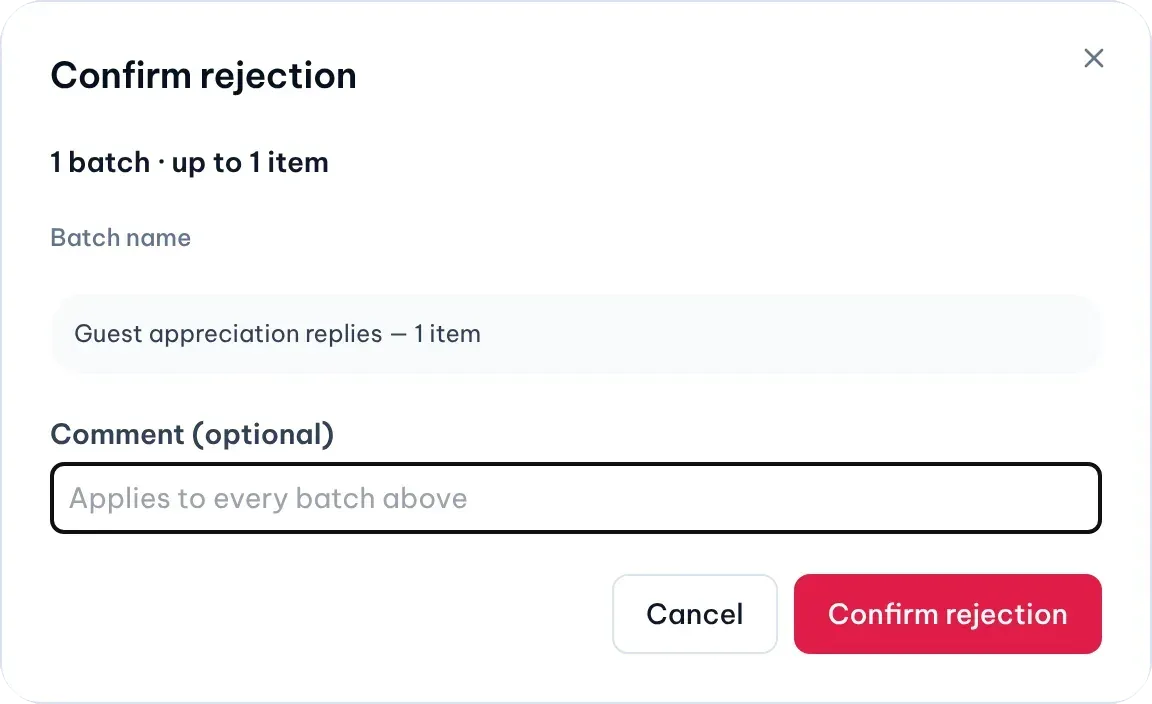
Illustrative data
Decide several batches at once
-
Tick the box at the start of each batch you want, or select Select all visible. The bar above the list counts the batches and items you selected.

1: Approve all visible. 2: Reject selected. 3: Approve selectedIllustrative data -
Select Approve selected or Reject selected. A rejection comment applies to every batch in the selection.
-
Confirm in the dialog.
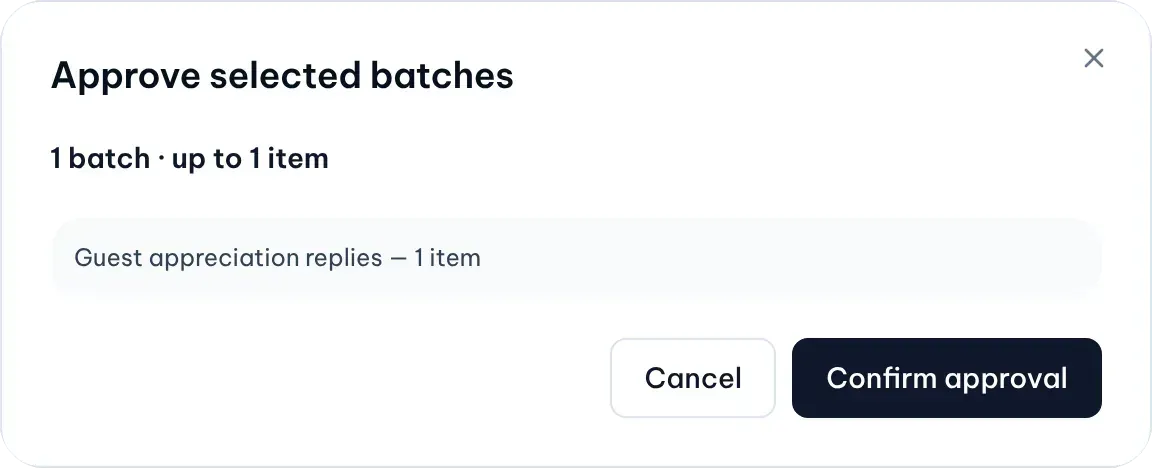
Illustrative data
Approve all visible approves every batch on the page that you can approve, in one confirmation. It only approves; there is no “reject all”.
You can decide up to 50 items at once. A batch can hold several items, so the limit counts items, not batches. Once you reach it, MX says so; deselect a batch to choose another.
Read the result
After you confirm, Latest decision results shows what happened to each batch: how many items were approved or rejected. An item that changed after you opened the page reads skipped because it changed, and one someone else decided first reads already decided. Select View detail on a result to open that batch.
Follow a decision to Google
- An approved review reply is sent to Google. In Reviews → Inbox it moves to In progress, then Replied.
- An approved location change is sent to Google. Google may still review it before it shows.
- A rejected item is not sent. A rejected review reply goes back to the Draft tab with its text.
- The batch moves to History with who decided and when.