
A location’s page puts its recent numbers, the profile MX holds and Google’s version of that profile side by side. Every role can read it.
Open a location
- Open Locations → All Locations.
- Select the location’s name or address.
The top of the page shows the location’s status (Active, Sync Paused, Archived or Removed), its address and its groups. Select a group to open the Dashboard for that group, or View on Dashboard for the location itself.
Check the last 30 days
A strip under the header shows Views · 30D, Actions · 30D, Rating · 30D, Reviews · 30D and Needs reply. Each number links to the Dashboard or to the matching reviews. Below it are the top review topics for the location, with a link to Review Analytics.

A new location shows Pending for views and actions until Google reports them. A location whose sync is paused, or that the Dashboard doesn’t cover, shows a short note instead of numbers.
Compare MX with Google
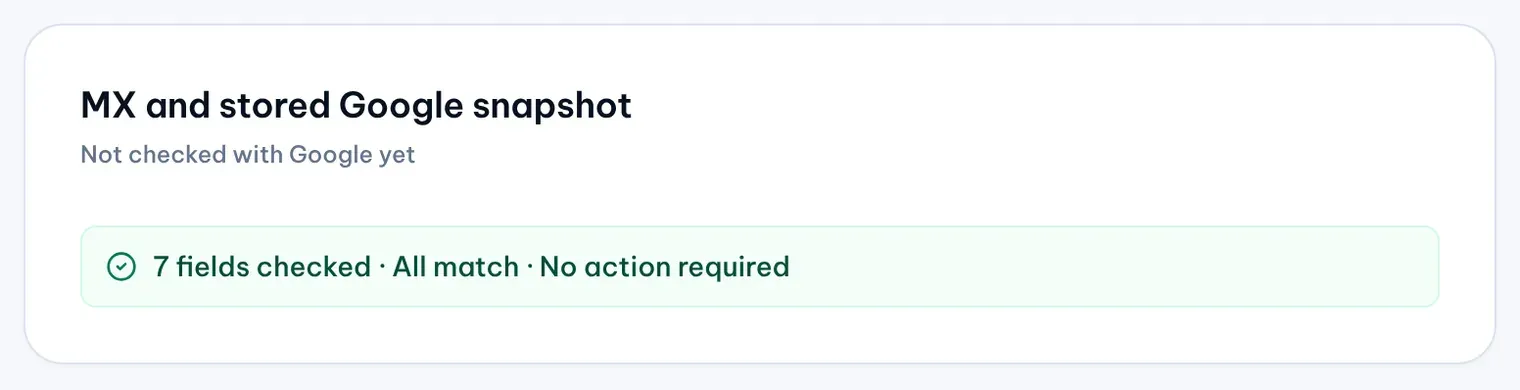
The card MX and stored Google snapshot compares the details MX holds with the last values MX read from Google: name, store code, address, description, regular hours, primary phone and website.
- The line under the title says when MX last checked Google, or “Not checked with Google yet”.
- A summary counts the fields checked. “All match · No action required” means MX and Google agree. Otherwise it counts verified fields, pending ones and the ones that need review.
- Each field that differs gets its own row with the MX value, Google’s value and a status label.
| Label | What it means |
|---|---|
| Google: Live | Google returned this value and shows it. |
| Google: Pending | An edit is still being reviewed or published by Google. You can’t act on the field until Google finishes. |
| Google: Updated | Google shows customers a value that differs from the business’s own value on the profile. |
| Google: Needs review | Google reports a pending edit and a different value at the same time. Check the field before you act. |
| Google: Unknown | Google didn’t return this field. |
| Google: Unavailable | MX has no successful check of this location yet. |
A row can also say MX only or Google only when one side has a value and the other is empty.
See context and change history
- Location context, on the right on a wide screen, shows the latest reviews, recent posts and customer signals for the location.
- Location change activity, collapsed at first, lists the changes submitted for the location and what happened to each. When Protect watches the location, its latest five events show here too.