
ArticlePlatform
Grow with AI - see what drives results and act on it
How the Dashboard, Review Analytics, Posts with Content Plan and AI checks in MX show what drives results at each location and keep every profile current
This post is available in English only
After the visit, the evidence of what went well and what did not is spread across hundreds of reviews and dozens of profiles. A recurring complaint shows up in fifty branches, nobody sees the pattern, and ratings slide across the network. Meanwhile a profile that goes quiet gets fewer views, and the demand goes to the competitor down the road.
Grow with AI is the part of MapLovin for this stage of the journey: learn what drives results for the whole network, a group or one location, act on it, and give customers reasons to return. It brings together four MX areas.
Dashboard: the numbers in one place
The Dashboard brings together the profile performance and review numbers MX syncs from Google, for the whole company, a group or one location, using the same location selector as the rest of MX. The first sync imports the last 90 days of reviews and performance. Google reports performance with a delay of about four days, so the latest days fill in after that.
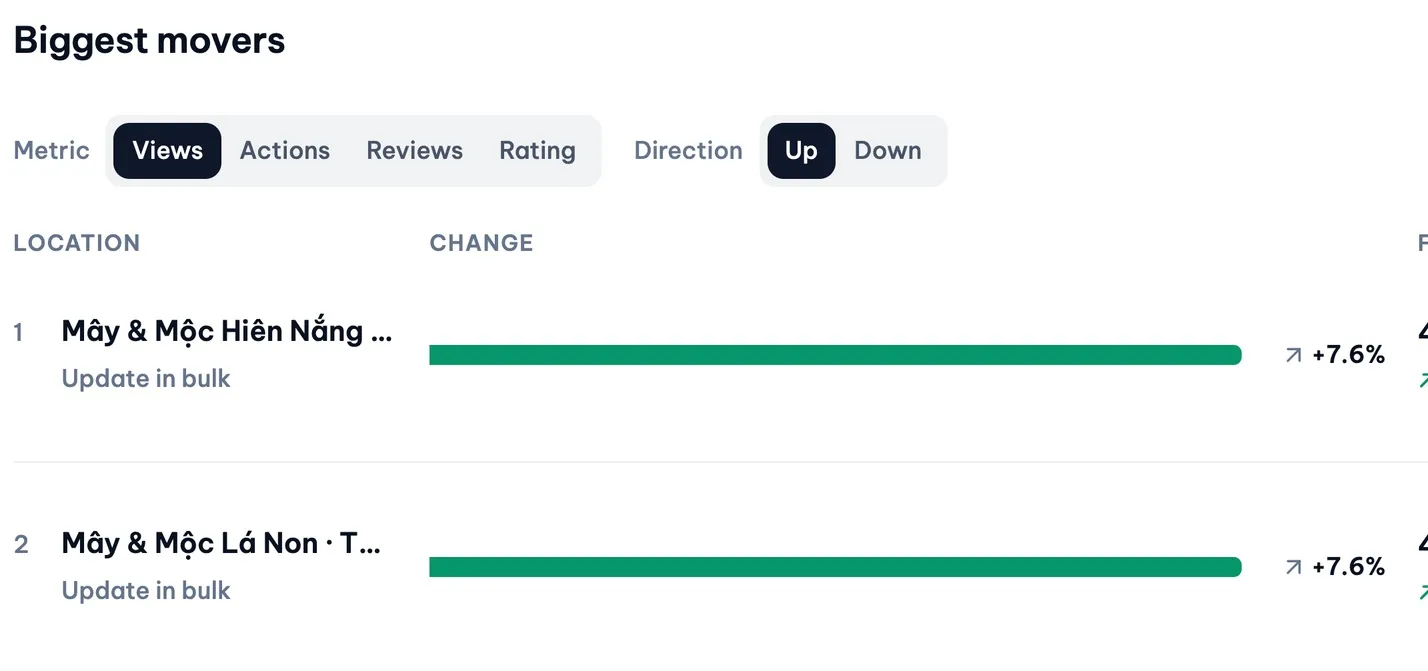
Headline numbers show their change against the prior period. Leaderboards rank groups and locations, with the biggest movers up and down, so a branch that is slipping stands out. The attention list puts problems first, such as unanswered or negative reviews and approvals waiting, each one click from the feature that fixes it.
Review Analytics: from a number to the reason
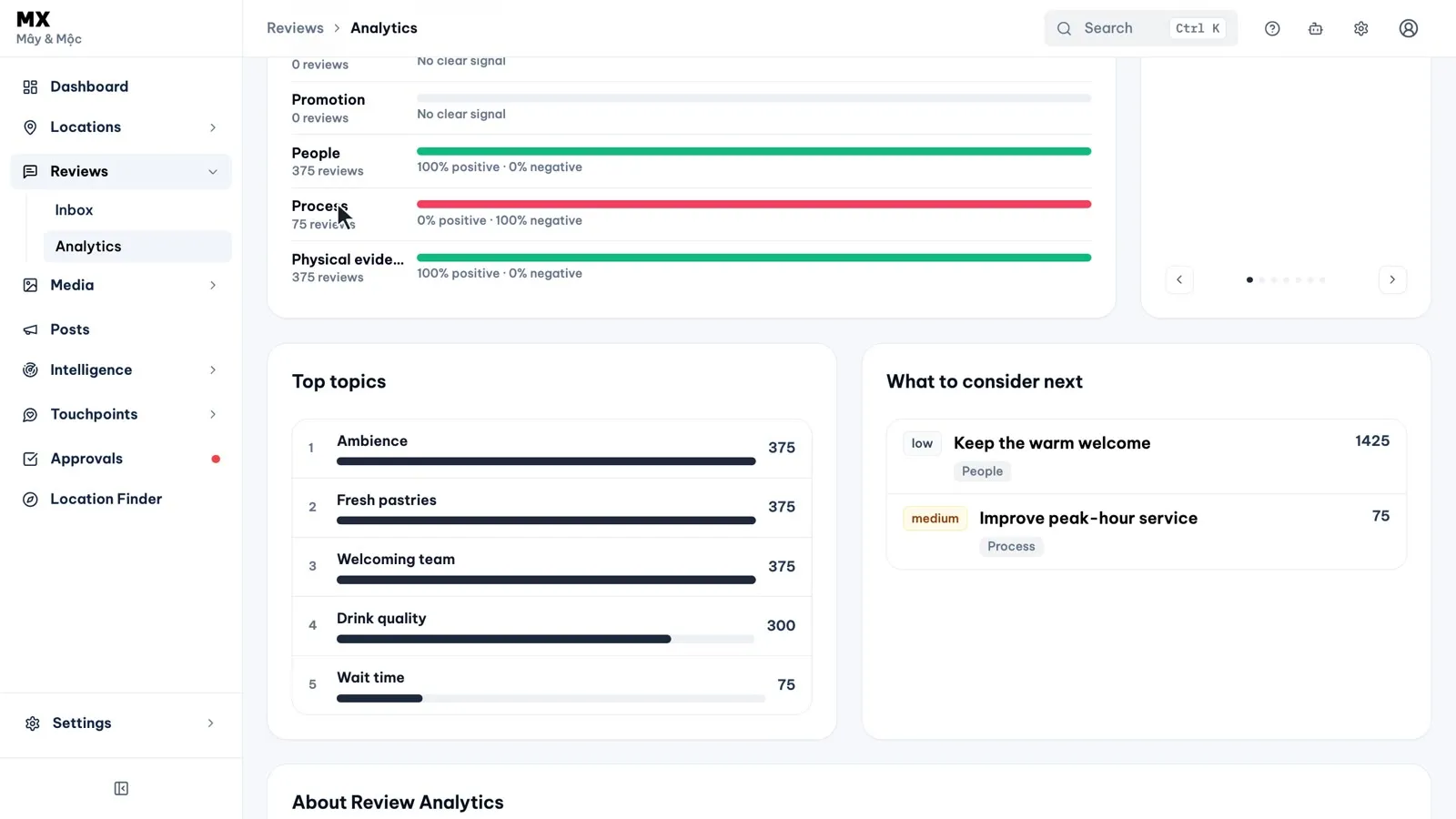
Review Analytics reads your Google reviews with AI and shows, for the location or group you pick, the sentiment and rating distribution, the topics customers mention and the experience drivers. The drivers follow the 7Ps: product, price, place, promotion, people, process and physical evidence. Each one shows how many reviews mention it and how many are positive or negative, with the strongest positive and negative driver called out. Review Analytics is on Pro and Business.
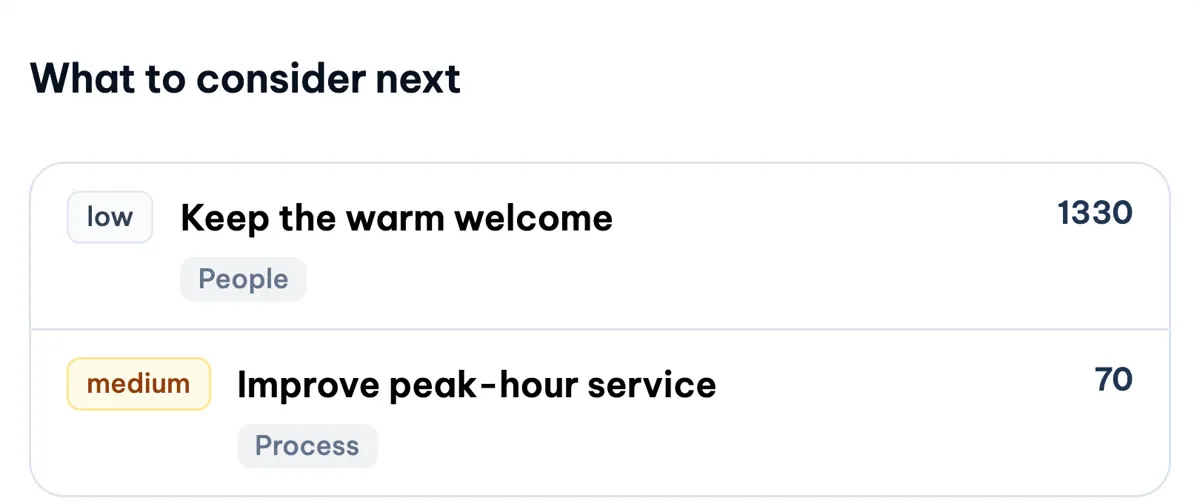
What to consider next lists recommended actions with a priority and the driver each relates to. They are suggestions for your team to decide on; MX does not act on them.
The Review Analytics guide lists everything on the page.
Posts and Content Plan: keep every location current
On Pro and Business, write a post once and publish it to every chosen location or a whole group, now or at a scheduled time. Draft with AI writes the post from your request, and every post goes through Approvals, with a result and a “View on Google” link for each location. Post publishing is switched on workspace by workspace during rollout.
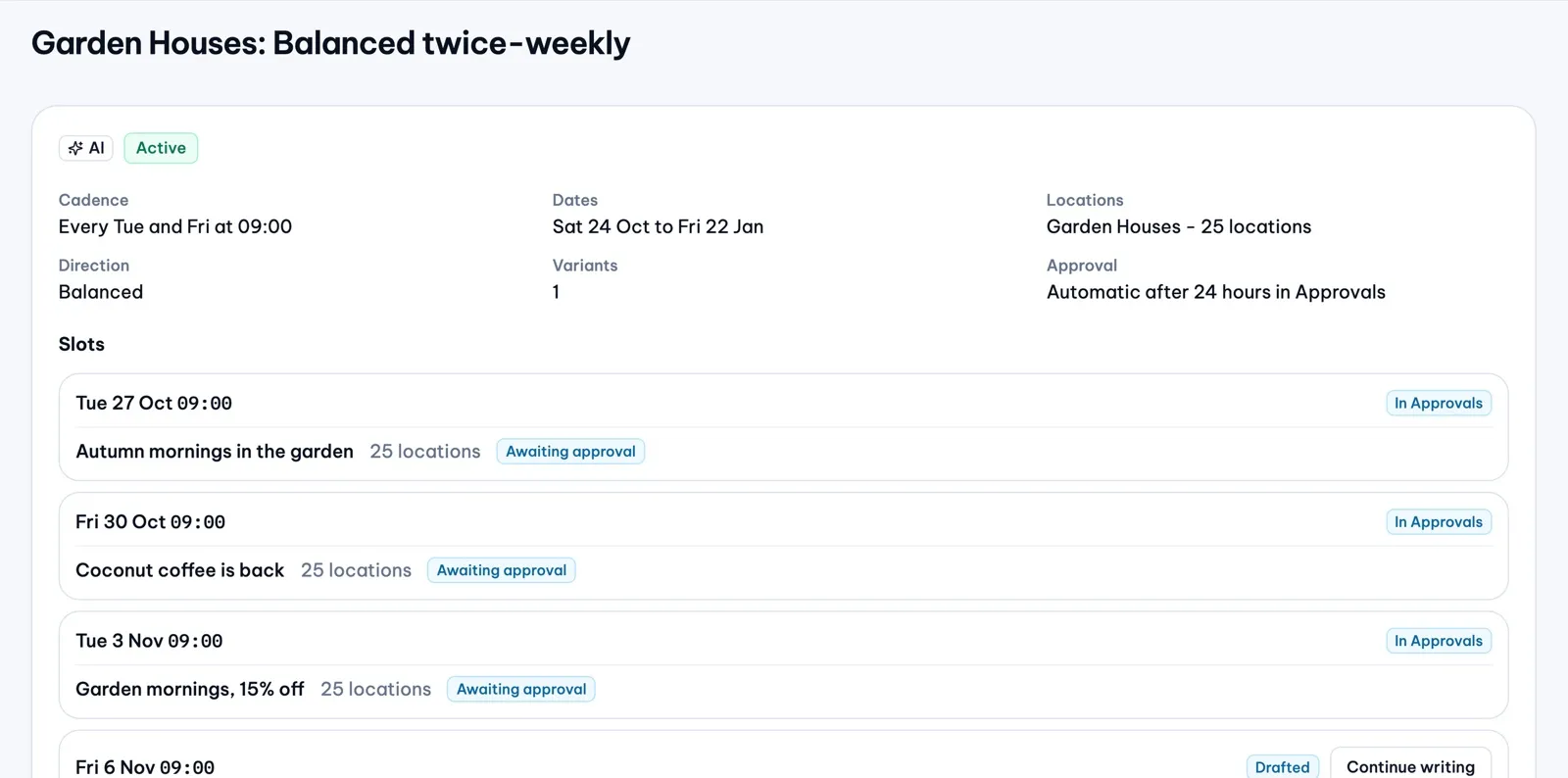
Content Plan plans the weeks ahead. You set the rhythm, the locations or group and your brand voice, and AI drafts the posts for the weeks ahead, with each location’s details filled in. The drafts go through Approvals and the AI checks like any other post. Content Plan is on Pro and Business.
Relevant, current content helps provide the signals Google’s search and AI experiences may use.
Ask Maps is Google’s product. MapLovin does not control it or how it chooses places.
See Google posts for the full flow.
AI checks before posting
Before a post is submitted, MX can check its text against rules drawn from Google’s local post content policy. Photos uploaded to the media library are scanned against Google’s photo policy. Each check returns passed or flagged, with the rule and a reason, to help lower the risk of a rejected post or photo. The checks are advisory: a person can allow a flagged item, and they do not guarantee Google’s approval. They are on Pro and Business.

The media guide explains the photo checks.
What our team does and what improves
Our team sets up the dashboard and groups for each team, reviews the drivers and recommendations with you every month, and sets up Content Plan in your brand voice with AI checks turned on. Targets are set per client after the assessment. One illustrative sample: profile views up 25% in three months, refined after the assessment. Views are platform signals, not visits or revenue.
Current limits
- A change figure shows only when MX has the whole prior period for every location in view
- Review Analytics does not write narrative summaries of what changed
- Recommended actions are suggestions; MX does not carry them out
- AI checks are advisory and do not guarantee Google’s approval
- Posts publish to Google Business Profile only, and a published post cannot be edited or deleted from MX